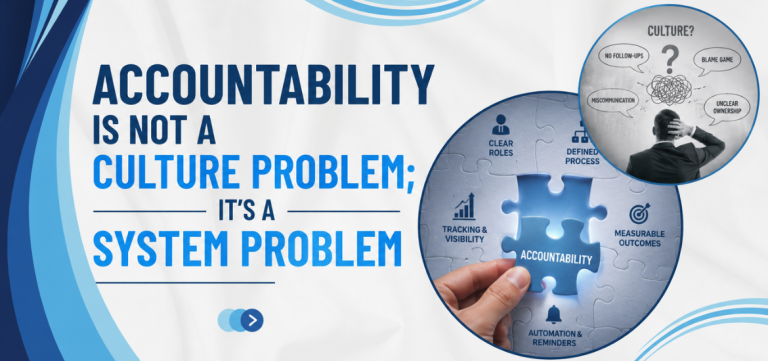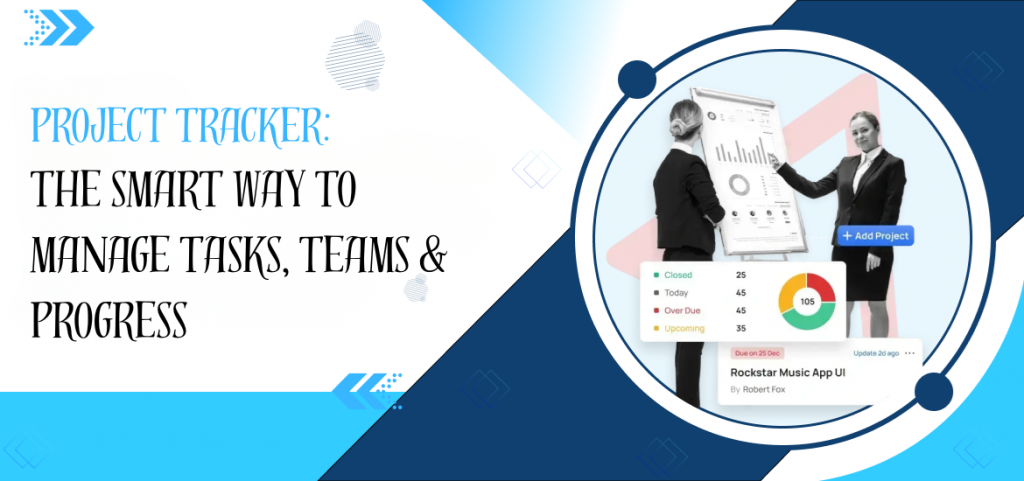
Managing work today is rarely about a single task. Most teams are dealing with multiple deadlines, overlapping responsibilities, and constant updates that change daily. Without a structured system, even well-planned projects start losing clarity, and progress tracking becomes inconsistent.
This is where a project tracker becomes essential. Instead of relying on scattered updates or manual follow-ups, a proper system helps you see exactly what is happening, who is responsible, and how far the work has progressed in real time.
What is a Project Tracker?
A project tracker is a structured system designed to monitor tasks, timelines, and overall project progress in a single place. It helps teams understand what is completed, what is pending, and what needs immediate attention without confusion.
Unlike manual tracking methods, a modern task tracking application ensures that every activity is recorded, updated, and visible to everyone involved in the project. In simple terms, it acts as a central control point for project and time tracking, keeping execution organised and measurable.
Why Businesses Need a Project Management Tracker
Most operational delays do not happen because teams are not working. After all, work is not visible.
A project management tracker helps solve this gap by bringing structure to execution.
Common challenges it helps reduce:
- Missed deadlines due to unclear ownership
- Lack of visibility on ongoing tasks
- Repeated follow-ups for status updates
- Inefficient manual reporting systems
When businesses shift to a proper project tracking platform, they are not just tracking tasks they are improving decision-making speed.
For organisations looking to understand how structured systems improve control and visibility across workflows, this guide on project control and management provides deeper insight into execution frameworks and structured planning.
Key Benefits of Better Progress Tracking
Progress tracking is not simply about checking what has been completed. It plays a direct role in how efficiently work moves across teams and how clearly priorities are managed.
When done consistently, teams spend less time chasing updates and more time focusing on execution.
Key benefits include:
- Clear visibility of work at every stage, ensuring nothing is overlooked
- Faster identification of delays or blockers before they impact delivery
- Better coordination between teams working on shared tasks
- Reduced dependency on manual updates and repeated follow-ups
- Stronger accountability across departments with clear ownership
When progress tracking is structured properly, the workflow naturally shifts from reactive communication to proactive execution, improving both speed and clarity in delivery.
Types of Project Tracking Tools
Different project tracking tools are designed to serve different operational needs. The right choice depends on how your team works, how complex your workflows are, and how much visibility you need across tasks and timelines.
| Type of Tool | What It Focuses On | Practical Use Case | Best Suited For |
| Task Tracking Applications | Managing individual tasks and daily work updates | Assigning tasks, tracking deadlines, and monitoring basic progress | Small teams or simple workflow structures |
| Full Project Tracking Platforms | End-to-end project visibility and coordination | Managing multiple tasks, timelines, dependencies, and overall project progress | Structured teams handling multiple projects |
| Construction Project Tracking Software | On-site execution and resource-heavy project management | Tracking site progress, materials, and construction timelines | Infrastructure and construction-based operations |
| Team Task Tracker Tools | Team collaboration and shared task execution | Real-time updates, task coordination, and flexible reassignment of work | Dynamic teams working in fast-changing environments |
In many organisations, efficiency further improves when combined with structured task delegation, ensuring responsibilities are clearly distributed across teams without confusion or overlap.
How to Track Project Progress Effectively
Effectively tracking project progress is less about using advanced tools and more about maintaining consistency in how work is planned, updated, and reviewed.
In most cases, projects do not fall behind due to lack of effort, but because progress is not recorded or reviewed in a structured and timely manner. When visibility is missing, even well-executed work can appear disorganised.
A more practical approach includes a few simple but essential practices:
- Clearly define task ownership at the start, so responsibilities are understood from day one
- Break down larger projects into smaller milestones that can be tracked and measured easily
- Update progress regularly instead of relying on irregular or delayed reporting
- Review project status at fixed intervals to identify risks or delays early
- Use a single, central system for tracking work rather than depending on multiple scattered tools
When these practices are followed consistently, project visibility improves significantly. Teams spend less time chasing updates and more time focusing on execution, which naturally leads to smoother delivery and better control over outcomes.
Why TaskOPad is the Right Project Tracking Platform
Choosing the right project tracking platform is not about finding the tool with the most features. It is about finding the one that fits how your team actually works — and that gets used consistently rather than abandoned after the first month.
TaskOPad is built for the operational reality of mid-sized teams across construction, IT, marketing, manufacturing, CA firms, and professional services. Here is how its specific features map onto the tracking challenges real teams face:
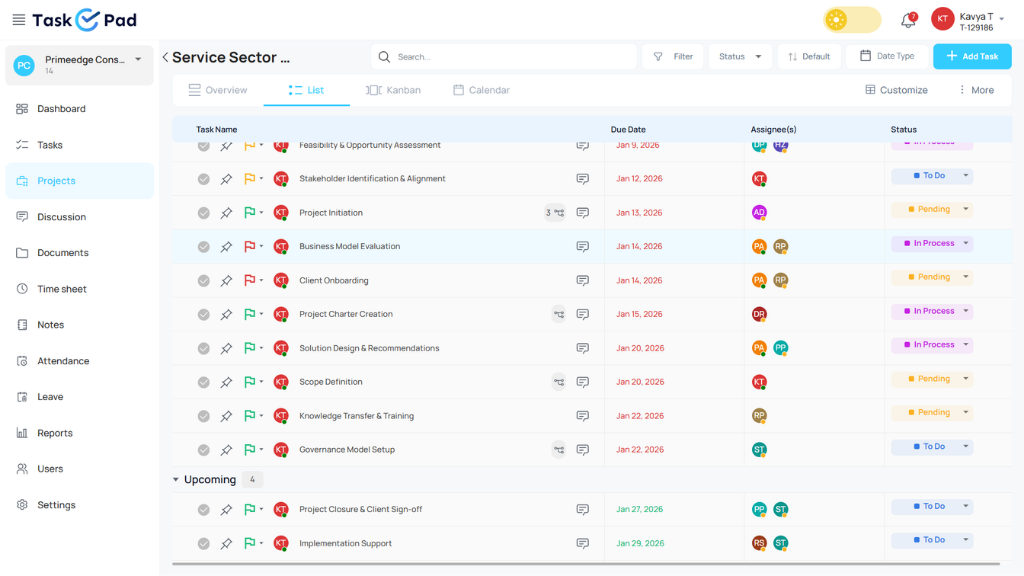
- Kanban Board View — visual task tracking at a glance. TaskOPad’s Kanban board displays tasks by status across columns — To Do, In Progress, Under Review, Done. Project managers and team members see the entire project’s task state in one view without opening individual task records. For construction and operations teams, this gives site-level visibility that spreadsheets cannot replicate.
- Priority Labels — Urgent, Normal, Low. Every task in TaskOPad carries a priority label. When an inspection approval becomes critical to the project timeline, marking it Urgent immediately signals to every team member and manager that this task requires immediate attention. This replaces the informal “this is important” message buried in a WhatsApp group.
- WhatsApp Notification Integration — instant alerts without desk dependency. When a task is assigned, updated, or approaching its deadline, TaskOPad sends a notification directly to the assignee’s WhatsApp. For field teams, site managers, and remote workers, this means critical updates are received immediately — not discovered in an email inbox three hours later.
- Task Assignment with Deadlines — one owner, one deadline, full accountability. Every task in TaskOPad is assigned to a specific team member with a specific due date. This eliminates the shared-responsibility failure mode where tasks belong to a team rather than a person. The system tracks who owns what and flags overdue items automatically.
- Real-Time Progress Tracking — percentage completion per task and per project. As team members update task progress, managers see live percentage completion data at both the task and project level. This replaces the weekly “where are we?” meeting with a dashboard that answers that question continuously.
- Timesheet and Reporting Dashboard — project and time tracking in one place. TaskOPad’s integrated timesheet feature lets team members log time against specific tasks as they work. Project reports automatically incorporate both progress data and time data — giving managers the complete picture: what was done, when it was done, and how long it took.
- Discussions Feature — communication tied to tasks, not scattered across channels. TaskOPad’s Discussions feature keeps conversations attached to the tasks they relate to. Instead of project decisions disappearing into WhatsApp threads or email chains, every comment, update, and decision is recorded in context — searchable, attributable, and visible to everyone with access to the project.
- Mobile Accessibility — track from anywhere. TaskOPad works on mobile devices, making it practical for field teams, site managers, and remote workers to update task progress, check deadlines, and communicate in real time from wherever they are working.
Use Cases Across Industries
A project management tracker like TaskOPad is designed to adapt to different industries, making it suitable for a wide range of operational needs. Its flexibility lies in how it supports structured workflows, regardless of how work is planned or executed.
| Industry | How It Helps |
| IT & Software | Helps manage sprint cycles, track bugs, and maintain development progress with better visibility |
| Marketing | Supports campaign tracking, task coordination, and timely delivery of marketing activities |
| Construction | Enables monitoring of on-site progress, timelines, and resource-based execution |
| Education | Assists in tracking assignments, projects, and academic workflows in a structured manner |
| Operations | Improves coordination of daily tasks and ensures smooth workflow continuity across teams |
Conclusion
Managing work without a clear structure often leads to confusion, missed deadlines, and constant follow-ups that slow down overall progress. A well-designed project tracker brings clarity to execution by ensuring that every task is visible, accountable, and moving in the right direction.
Whether you are managing small tasks or handling large-scale operations, improving progress tracking has a direct impact on efficiency, coordination, and overall delivery outcomes.
TaskOPad gives your team the task tracking, progress visibility, time reporting, and real-time alerts to make that principle a daily operational reality.
Begin your free 15-day trial with no credit card required, or book a demo to explore the platform in more detail.
Frequently Asked Questions
How does a project management tracker improve productivity?
A project management tracker improves productivity by giving clear task ownership, reducing confusion, and ensuring deadlines are visible to everyone. It helps teams focus on priorities instead of managing work manually.
What is the difference between a task tracking application and a project tracker?
A task tracking application is usually focused on individual or daily tasks, while a project tracker manages complete projects with multiple tasks, timelines, and team coordination.
Is project tracking software suitable for small businesses?
Absolutely. Small businesses can use project trackers to improve productivity, reduce missed deadlines, and manage teams without needing complex enterprise systems. Many tools also offer free or affordable plans.
Can remote teams use project tracking tools?
Yes. Remote teams benefit from project trackers because they provide transparency, collaboration tools, file sharing, task updates, and communication features in one platform.